
Build a product form in minutes, not hours
Drop your vendor form. We auto-fill the FDA-known fields. You fill the rest. Download a clean spreadsheet, ready to share.
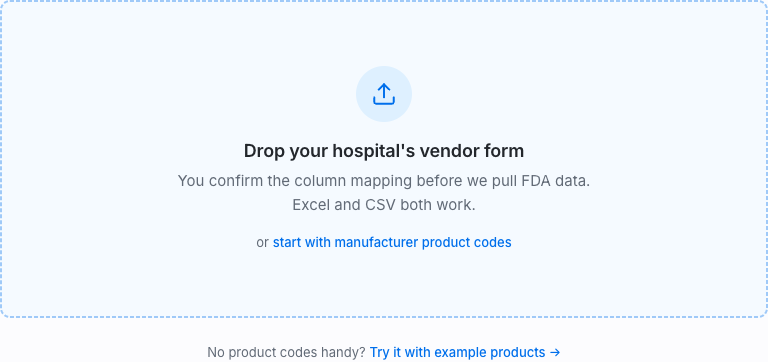
Drop your hospital's vendor form
You confirm the column mapping before we pull FDA data. Excel and CSV both work.
or
No product codes handy?
-
01
Start your form
Drop your vendor form (CSV or Excel), or just paste manufacturer product codes.
-
02
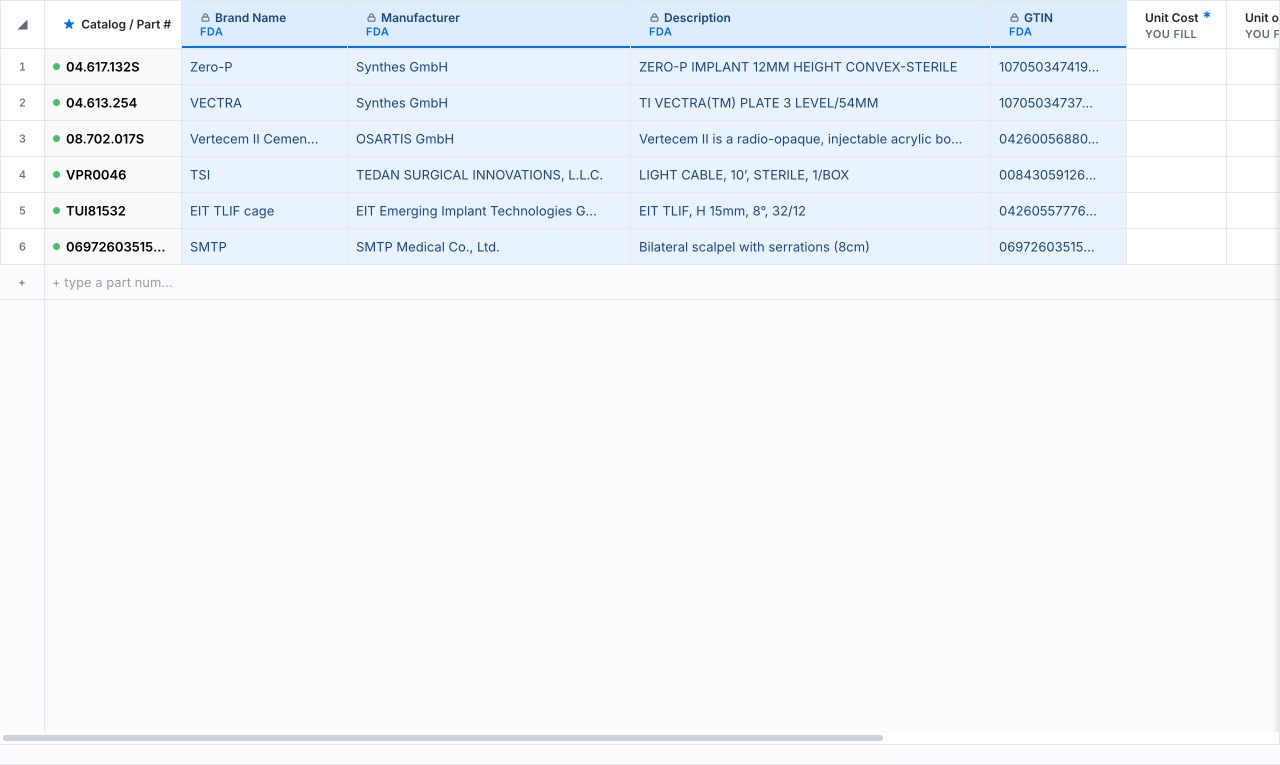
We auto-fill from FDA
Brand, manufacturer, GTIN, device class and more fill themselves.
-
03
Export
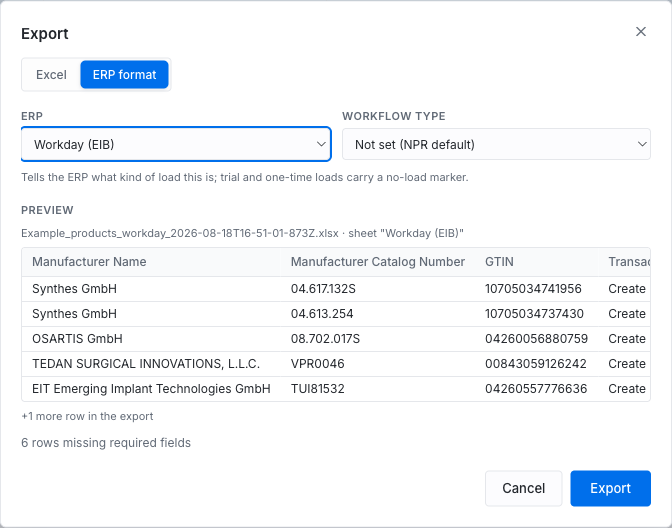
Download a clean spreadsheet, ready for any system.
Every FDA field is locked and verified — straight from the federal device record.
How it works
Everything a vendor form needs, without the data entry. Four steps, a few minutes.
- 1
Paste your codes
Catalog numbers, model numbers, or the GTIN off the box. Or drop the hospital's own Excel form, any layout.
- 2
FDA fills it in
Brand, manufacturer, GTIN, device class, MRI safety, sterility — about 22 fields auto-filled from the FDA's GUDID database in seconds, locked as verified.
- 3
Add your part
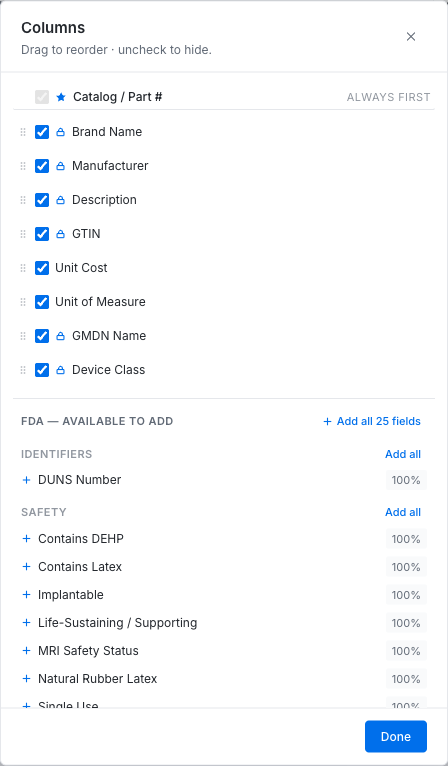
Pricing, UOM, internal identifiers — whatever the form needs. Your fields stay yours; the FDA's stay verified.
- 4
Export or share
Excel in the hospital's exact layout, ERP-formatted if you need it, or a live link anyone can open and edit. No account required.